A GoHighLevel funnel domain can resolve correctly and still send visitors through a broken journey.
The new domain opens. SSL appears. A landing page loads. That only proves the browser can reach something.
The real cutover starts after that. Forms still need to submit to the right place. Buttons and booking links need to land where the business expects. Tracking has to survive the URL change. Old campaign links need somewhere useful to go. Public pages that already rank or receive traffic need a clean relationship with their new URLs.
A GoHighLevel funnel domain migration is therefore a visitor-path migration as much as a DNS change. The new domain is ready when a customer can enter through the same real-world paths, complete the same actions, and reach the same next step without falling back into the old setup.
Map every public path that depends on the old domain
Start with the old root domain or subdomain, then work outward.
List the funnels, websites, landing pages, confirmation pages, forms, booking pages, resource pages, and other public assets using that domain. Record the important paths, not only the home page. A funnel may have several live step URLs, and outside campaigns may point directly to a middle step rather than the first page.
Then search outside HighLevel. Email templates, SMS messages, ads, QR codes, social profiles, PDFs, saved replies, browser bookmarks, partner pages, and printed materials may still contain the old URL.
The point is to build a cutover map before changing DNS. A domain migration becomes harder when the team discovers old public links only after customers start clicking them.
BrandLyft’s GoHighLevel buildout timeline already owns broad pre-launch page, form, and funnel QA. This article starts with an existing public path that already works and now has to move.
Connect the destination domain before treating DNS as finished
HighLevel currently connects funnel and website domains through its Domains & URL Redirects setup. Depending on the registrar and setup, the account may use Domain Connect or add the required DNS records manually.
For a root domain or subdomain, the useful cutover question is not whether somebody changed an A or CNAME record. HighLevel needs to recognize the destination domain and attach the intended funnel or website to it. Where a default page matters, confirm that too.
HighLevel also provisions SSL after the domain is linked. Give that process time to finish before deciding the cutover failed. If Cloudflare manages the DNS, follow HighLevel’s current proxy guidance rather than assuming a proxied record will behave like a normal funnel or website connection.
Do not remove the old domain from the working setup before the new one has reached a stable connected state. DNS propagation, record conflicts, SSL issuance, and domain-assignment mistakes are easier to recover from while the source path still exists.
Page assignments and URL paths need their own migration map
A domain change can leave the pages intact while the public URLs change underneath them.
Record the old URL and intended new URL for every important page. Keep the path structure where it still makes sense. When paths change, decide whether the old URL should redirect to a new page, another funnel step, or an external destination.
HighLevel distinguishes a funnel’s domain-level URL from the individual step paths inside that funnel. Changing the domain does not remove the need to check each important step. Thank-you pages, application steps, confirmation pages, and hidden campaign pages can be missed if the team tests only the first URL.
Open every priority URL directly after the new domain is connected. Check the page itself, then follow its buttons and next-step actions. A page loading at the right hostname does not prove the rest of the funnel stayed on the same path.
Forms need a real submission from the new public URL
A form can render normally and still fail the business test.
Submit it from the new domain with a controlled test contact. Confirm the contact lands in the intended sub-account and the expected fields populate. Then check attribution and the follow-up workflow or notification.
If the form redirects after submission, inspect that destination too. Confirmation URLs are easy places for an old domain to survive. The form may work while the customer gets sent back to the previous page afterward.
Repeat the test on mobile. Embedded forms, pop-ups, and multi-step experiences can behave differently once the page is published on the final domain, especially when outside scripts, custom CSS, or third-party embeds are involved.
Do not sign off from the form builder. Sign off from the public page.
Booking paths and embedded tools can survive the page move but keep an old destination
A landing page may move cleanly while the appointment button still opens an old calendar URL.
Check buttons, embedded calendars, pop-ups, forms that route into booking, and confirmation pages that send visitors to the next appointment step. The same applies to chat widgets, surveys, payment steps, or other embedded tools that the page uses to continue the journey.
There is another HighLevel domain layer worth separating here. A funnel or website domain hosts public pages. A branded API domain can affect system-generated links such as forms, surveys, calendar links, trigger links, payment links, and review links. Changing the funnel domain does not automatically prove those generated links now use the same hostname.
That is not a reason to turn this article into an API-domain setup guide. It is a reason to inventory the links a visitor actually sees and confirm which domain controls each one.
Tracking has to be tested after the URL changes
A page view is not the same thing as a tracked visit.
HighLevel has built-in funnel and site analytics. Many businesses also use Google Analytics, Meta Pixel, Google Ads tags, call-tracking scripts, or other outside measurement tools. A domain cutover can alter the URL, page path, referral context, or final destination those systems expect.
Open the new public page in an incognito window and trigger the events the business actually cares about. That may include a page view, form submission, button click, booking, or purchase. Confirm the expected event appears in the relevant platform rather than assuming an existing tracking snippet kept working because the page copied correctly.
If campaign attribution depends on query parameters or UTMs, test a real tagged link. Preserve the parameters through the visitor path where the campaign needs them, and verify that redirects are not dropping information the reporting process uses.
HighLevel’s current funnel analytics can show page views and opt-ins for funnel assets, but outside advertising and analytics platforms still need their own validation after a public URL changes.
Email and SMS links need a separate old-domain search
The web cutover can be correct while yesterday’s automation keeps sending tomorrow’s visitors to the old URL.
Search workflow emails, campaign emails, SMS templates, saved snippets, appointment messages, nurture sequences, and one-off templates for the old hostname. Include button URLs and linked text, not only visible copy.
Custom Values can help when the account already uses one reusable URL in several assets, but hard-coded links still need to be found individually. The practical question is simpler: does a live customer message still point at the domain being retired?
Trigger a few important messages after the change and click the links from a real inbox or phone. That catches redirects, tracking parameters, and mobile behavior that are easy to miss inside the editor.
Ads, QR codes, and outside references can keep the old domain alive
Some of the most expensive old links sit outside HighLevel completely.
Paid-search and social campaigns may use the old domain as a final URL. QR codes can be printed on signs, mailers, event materials, packaging, or business cards. Partner sites, directories, Google Business Profile links, social bios, PDFs, and sales documents may send traffic directly to a specific funnel step.
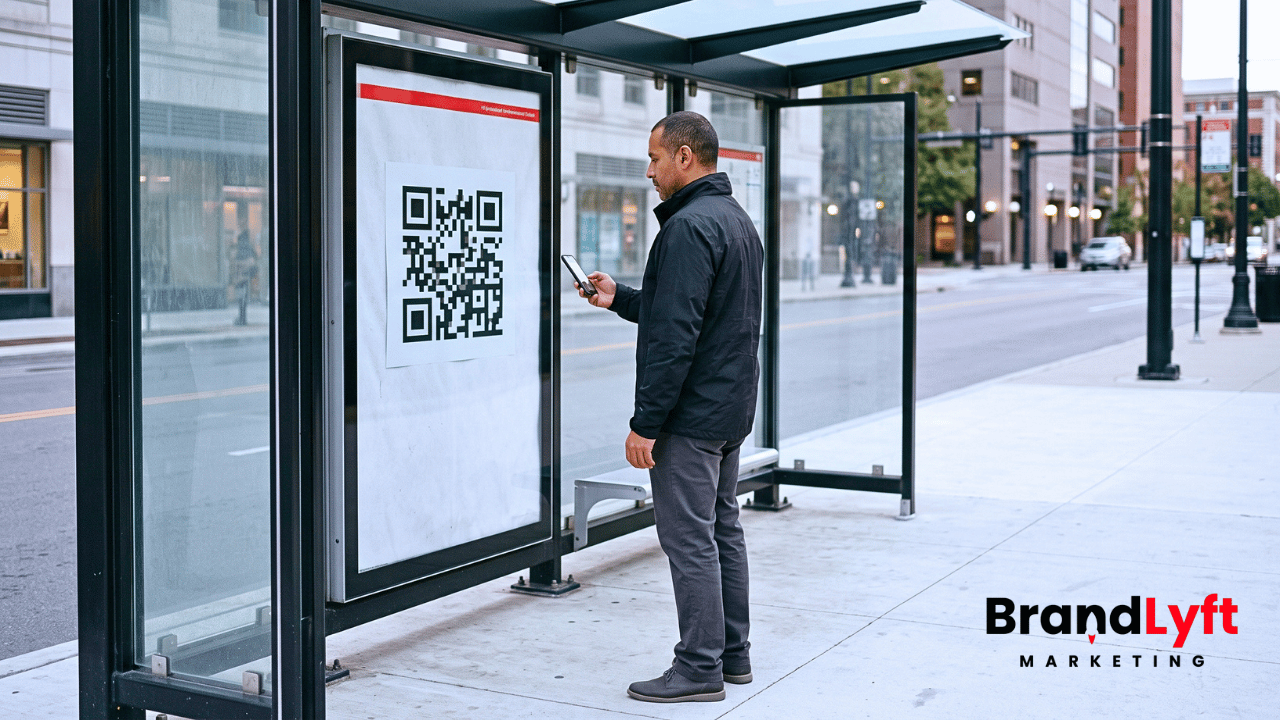
Do not assume a redirect makes every outside reference permanent forever. A redirect is a safety net, not a substitute for updating destinations the business controls.
Ads deserve extra care because final-URL mismatches and unexpected redirect behavior can affect review or delivery. Test the final landing URL from the advertising platform after the new domain is live, and update the destination deliberately rather than relying on an old chain.
Use 301 redirects when the old public URL is permanently moving
HighLevel currently supports 301 redirects for an entire connected domain or for specific URL paths. The destination can be a custom URL, a funnel step, or a website page.
That gives the migration a clean way to preserve old links when a public URL has permanently changed. Build the redirect map from the inventory rather than creating one broad redirect and hoping every old path lands somewhere sensible.
A former lead-magnet URL should reach the corresponding new resource. Campaign pages should reach their replacements. Retired pages may need a deliberate alternative rather than the home page.
Watch for redirect loops and unnecessary chains. The old URL should normally move directly to the final destination instead of bouncing through several intermediate addresses.
HighLevel’s current 301 redirect guide distinguishes full-domain redirects from path-specific redirects and recommends keeping the old path useful when URLs change.
Indexed pages need an SEO decision, not just a redirect decision
Not every funnel page matters to search engines. Some do.
If the old domain or path has been indexed, linked to externally, or already receives organic traffic, map the move like a normal URL migration. Preserve the intended destination, use permanent redirects where the old URL is going away, and review the new page’s indexability and metadata.
Canonical tags solve a different problem. HighLevel’s current funnel-indexing guidance says a canonical can identify the preferred URL when multiple versions remain accessible. It does not redirect the visitor. If the old URL is being retired, a 301 is usually the more direct migration tool.
After launch, check the URLs in the search tools the business already uses. Look for unexpected indexed variants, old pages that remain accessible, or new pages that point their canonical back to the retired hostname.
Do not turn a campaign-only funnel into an SEO project merely because the domain changed. Apply the indexing work to pages that actually have search visibility or are meant to earn it.
Test the new visitor path on more than one browser state
Cached DNS, cookies, saved sessions, and browser history can hide migration problems.
Test the priority pages on desktop and mobile, then repeat the important path in an incognito or private window. Use a device or connection that did not participate in the build when practical.
Start from several real entry points. Type the new URL directly, click an email or SMS link, follow an ad test link, scan a QR code, and use one redirected old URL. Submit the form, follow the thank-you step, and complete any booking or conversion action that belongs to that journey.
If different subdomains serve different parts of the experience, watch the address bar as the customer moves. Unexpected jumps back to the old domain are evidence that a link, embed, redirect, or generated URL still needs work.
Keep the old domain available until rollback stops being useful
Old-domain retirement should be the last step, not the first proof of confidence.
Keep the source configuration long enough to verify DNS, SSL, page assignments, forms, redirects, analytics, customer links, and real traffic. If the cutover fails, the rollback plan should say which DNS record or domain assignment needs to be restored and who has the registrar access to do it.
A practical rollback threshold can include the new site failing to load consistently or forms not creating the intended records. Paid traffic reaching the wrong page, SSL errors, broken redirects, or lost conversion tracking can justify the same response.
Do not promise instant DNS rollback. Caches and propagation can delay what different visitors see. The useful plan is knowing which known-good state the team can restore and which traffic sources can be paused while the domain settles. During a GoHighLevel funnel domain migration, that recovery path matters more than pretending DNS can be reversed instantly.
A GoHighLevel funnel domain migration is finished when the visitor path is predictable again
Domain resolution is the beginning of the test, not the end.
Pages need to load on the intended URLs. Forms need to submit. Booking and embedded tools need to continue the journey. Tracking needs to record the events the business uses. Old links need redirects or replacements. Indexed pages need the right permanent signals. Outside campaigns need to stop sending traffic into retired paths.
Once those pieces behave consistently from real entry points, the old domain can move from production dependency to redirect and historical infrastructure.
If this domain move sits inside a larger lead-to-revenue rebuild, BrandLyft’s Revenue System Build is the broader implementation path. If the work is mainly inside an existing HighLevel setup, the GoHighLevel Partner service is the closer fit. When the move also requires deeper website or custom web work, BrandLyft’s Web Design service covers that layer.